
Universal FTP Server
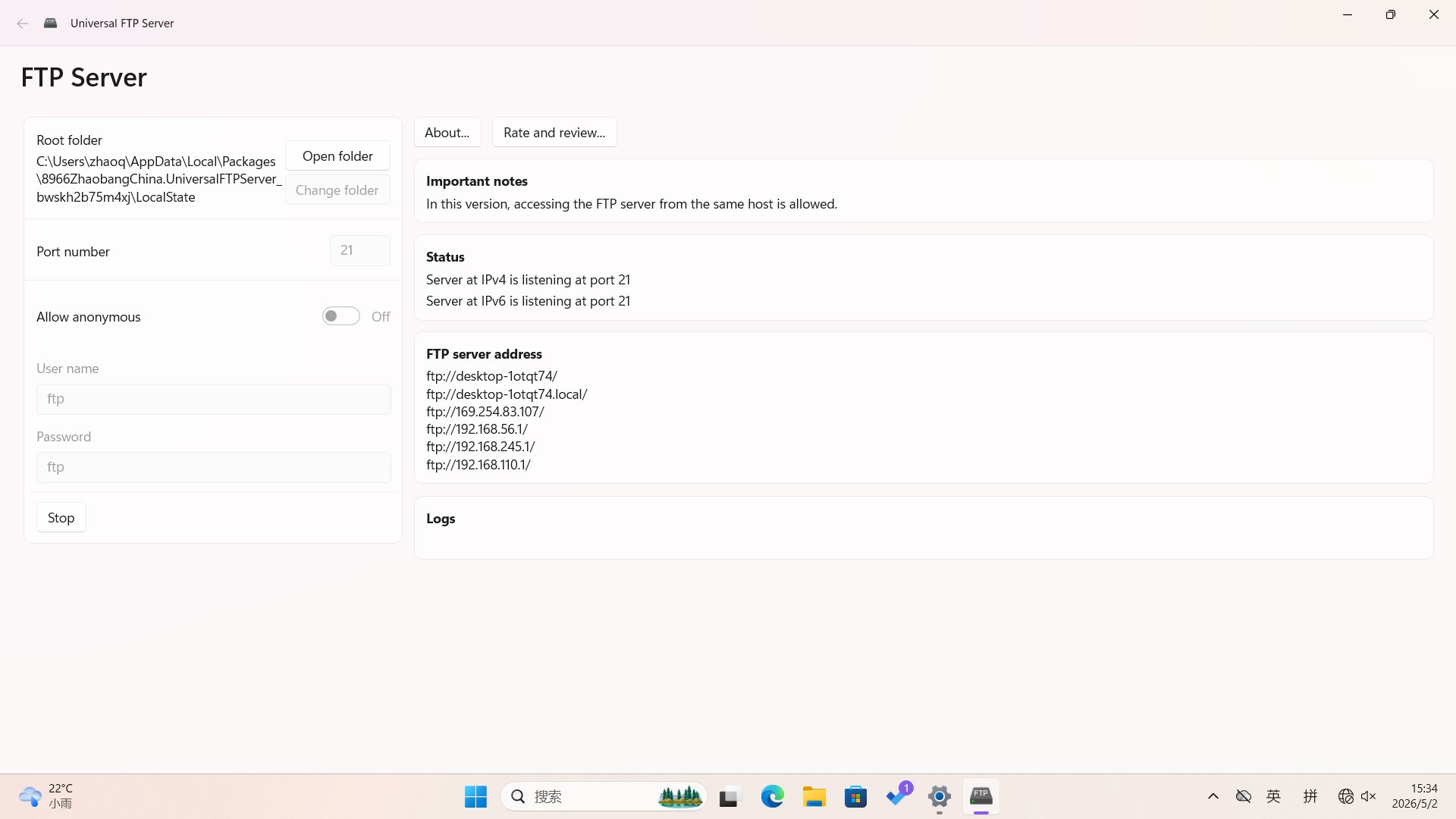
Read our comprehensive review of Universal FTP Server for Windows. Discover how this lightweight tool makes local network file sharing incredibly simple.
The Local File Transfer Solution for Windows
Imagine you need to move a batch of photos, documents, or setup files from your primary computer to another device on your local network, but you do not want to deal with complex cloud storage uploads or searching for a physical USB drive. In scenarios like this, the Universal FTP Server file sharing application provides an immediate, hassle-free solution. Developed by 桃又 (taoyouh), this Windows utility transforms your PC into a local hosting hub, allowing other devices on your network to connect and retrieve files instantly.
Streamlined File Sharing Without the Bloat
Many network sharing tools require extensive configuration, user account setups, or active internet connections. The Universal FTP Server file sharing tool bypasses these hurdles by focusing entirely on simplicity. It is designed specifically for users who need a straightforward, no-nonsense File Transfer Protocol host.
Key aspects of the application include:
- Simplified Hosting: Turn your Windows machine into an active FTP server with minimal configuration.
- Direct Local Transfers: Share files directly over your local network, ensuring maximum transfer speeds without relying on external bandwidth.
- Cross-Platform Accessibility: Once the server is running, any device with an FTP client—whether it is another PC, a smartphone, or a tablet—can access the shared directory.
Who Is This Tool For?
This software falls firmly into the IT tools category, making it an excellent addition to the toolkit of system administrators, developers, and home users alike. If you frequently need to test network configurations, move assets between development environments, or simply send media files to a smart TV or secondary laptop, the Universal FTP Server file sharing workflow eliminates the friction of traditional network sharing methods.
An Efficient, Lightweight Utility
Unlike heavy enterprise server software, this app maintains a very small footprint on your Windows system. It does not run unnecessary background services when closed, ensuring your system resources remain completely free. It is a utility built for utility's sake: you open it when you need to transfer files, and close it when you are done.
If you are ready to simplify your local data transfers, you can find more information and access the application directly on the official Microsoft Store page.