
Real FTP
Discover Real FTP, a reliable Windows client for secure file transfers. Read our full review of its features, protocols, and performance.
An Efficient Solution for Modern File Transfers
The Real FTP client by Xiaoya Lab is a dedicated Windows utility designed to bridge the gap between your local computer and remote servers. Whether you are updating website assets, managing backups, or moving large datasets, having a stable desktop client is essential. This software provides a graphical interface that simplifies what used to be a complex command-line chore into a straightforward visual workflow.
Versatile Protocol Support and Decentralized Storage
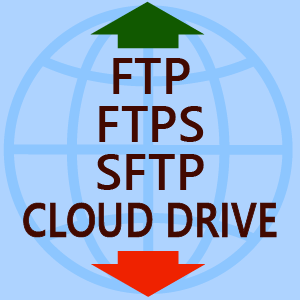
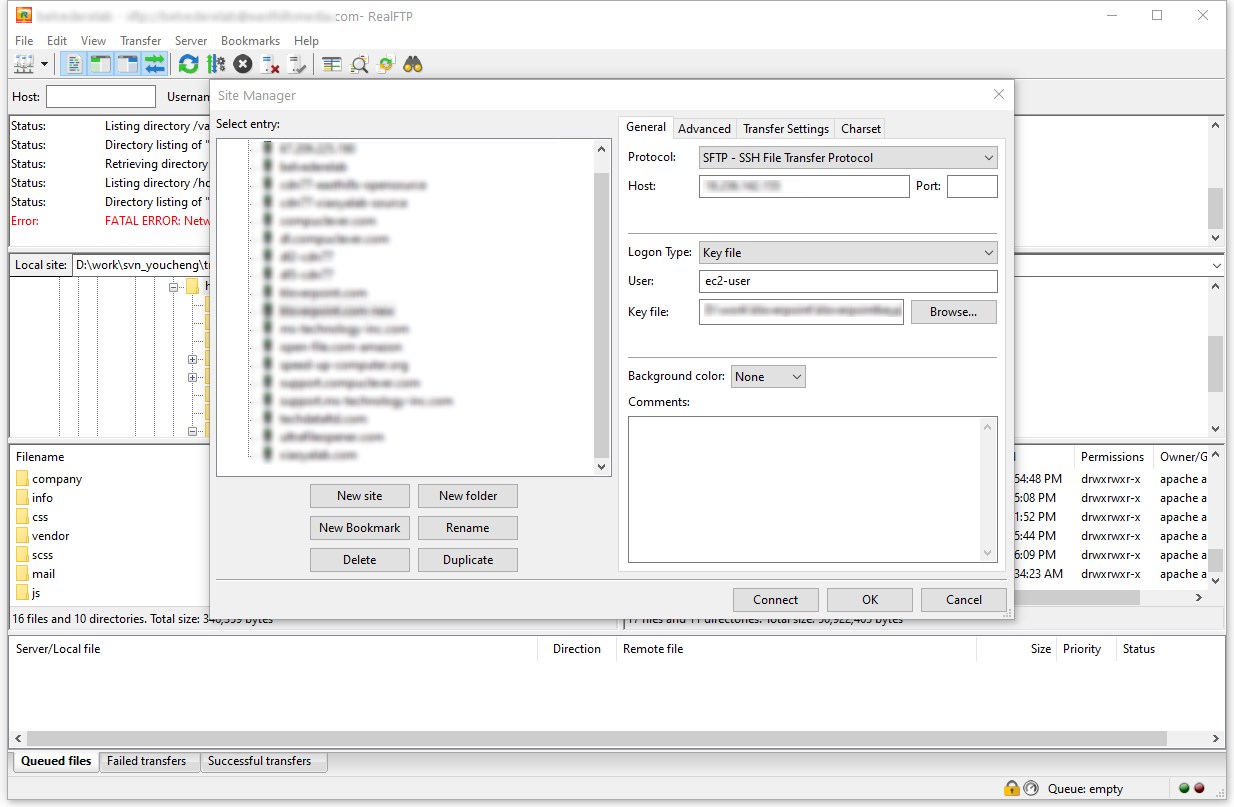
One of the standout aspects of this tool is its broad compatibility with network protocols. It does not limit you to standard, unencrypted connections. Instead, it fully supports:
- FTP: For standard, legacy server connections.
- FTPS (FTP over SSL/TLS): Ensuring your login credentials and data remain encrypted during transit.
- SFTP (SSH File Transfer Protocol): The industry standard for secure shell-based file management.
- Storj Integration: A modern addition allowing users to connect directly to decentralized cloud storage networks.
Key Features for Daily Workflows
The Real FTP client is packed with practical features that cater to web administrators and IT professionals alike. If you handle massive files, the application supports resumes and can manage transfers exceeding 4GB without breaking a sweat. It also supports IPv6, ensuring compatibility with modern network configurations.
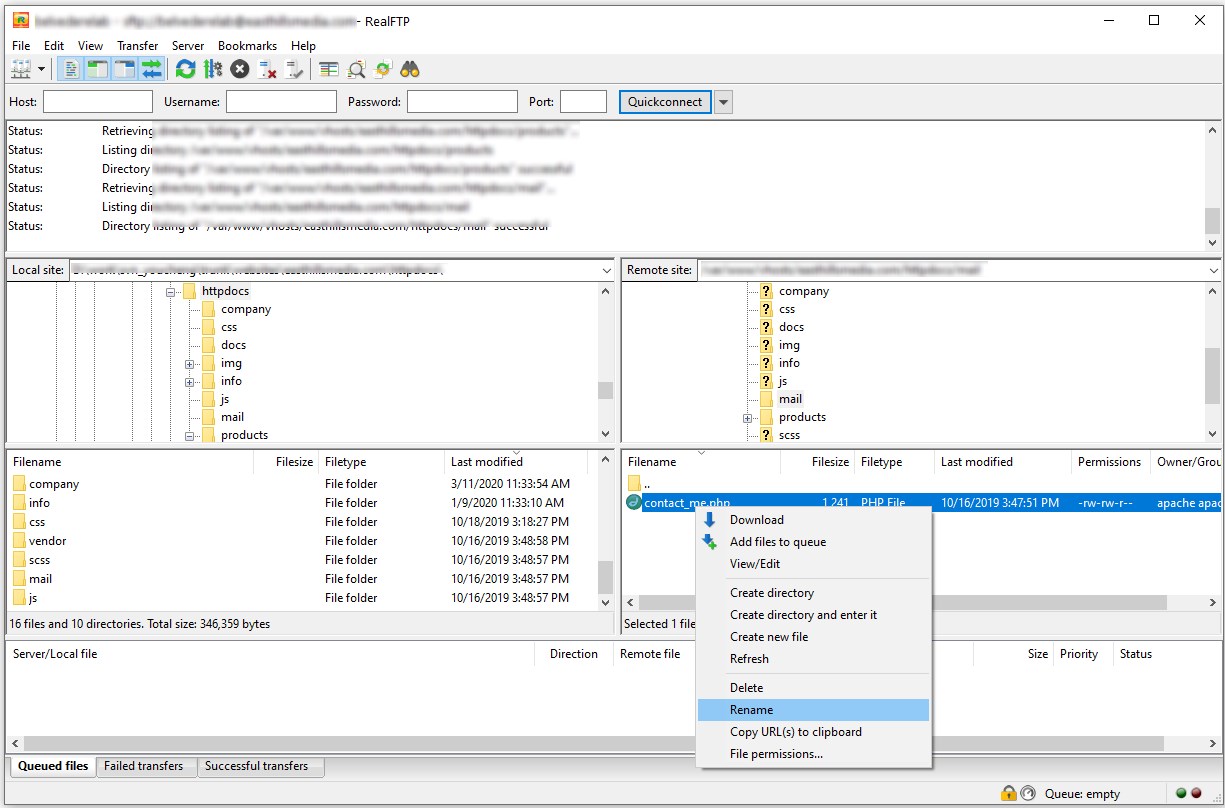
Navigating your servers is made easy thanks to a tabbed user interface, allowing you to connect to multiple servers simultaneously. Drag-and-drop functionality lets you move files instantly, while directory comparison and synchronized directory browsing help you keep local and remote folders perfectly aligned. Additionally, you can configure transfer speed limits to prevent the application from hogging your entire network bandwidth.
Is It Right for You?
If you are looking for a straightforward, no-nonsense tool on Windows to manage your remote files securely, this application is a strong contender. Its clean interface and inclusion of advanced features like Storj support make it highly adaptable. To explore this tool further and integrate it into your workflow, visit the official Microsoft Store to acquire the application directly from the developer.