FTP Manager Pro
Discover how FTP Manager Pro simplifies secure file transfers across platforms in our comprehensive, expert review of this Windows-based IT tool.
The Challenge of Multi-Platform File Management
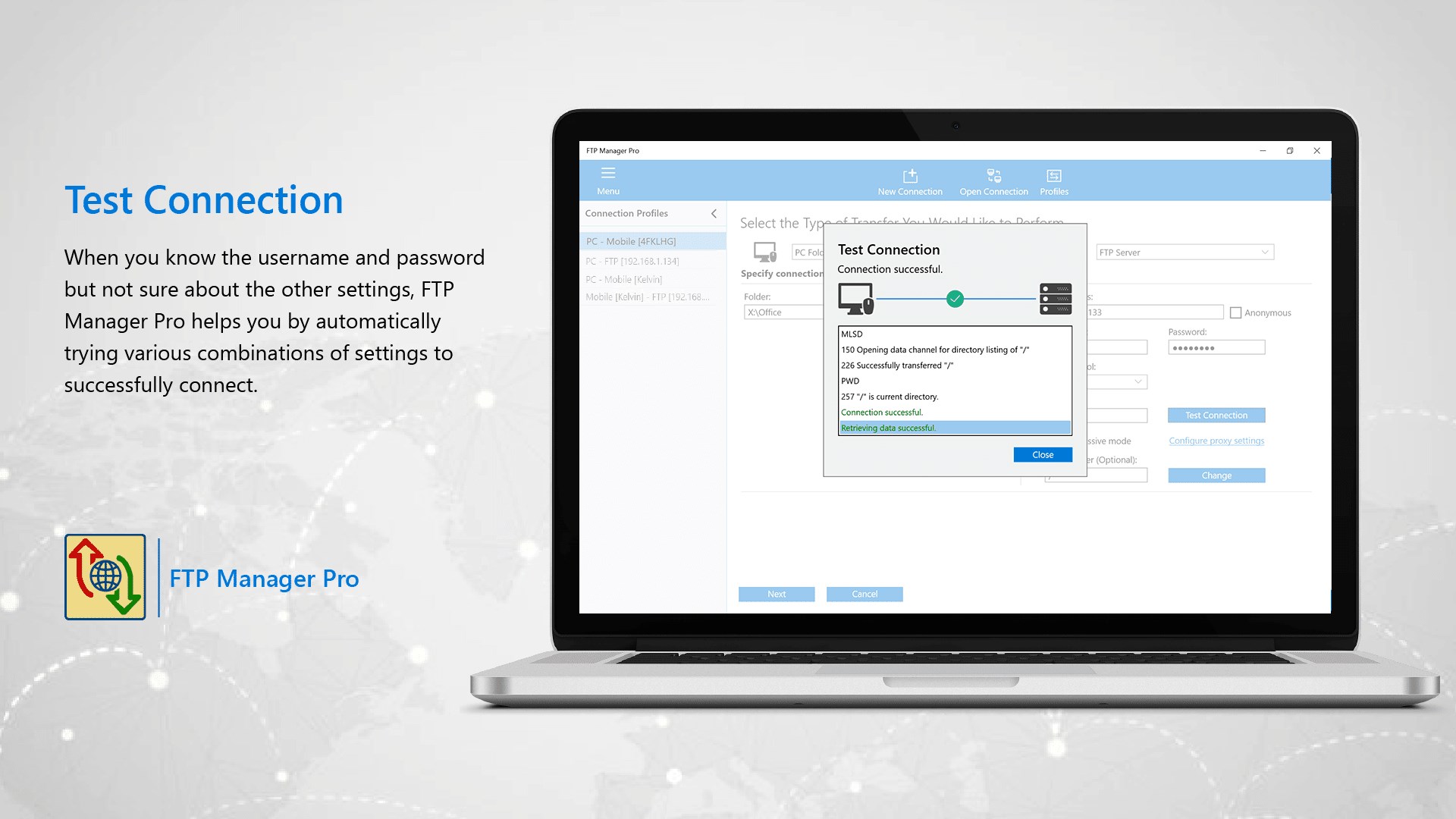
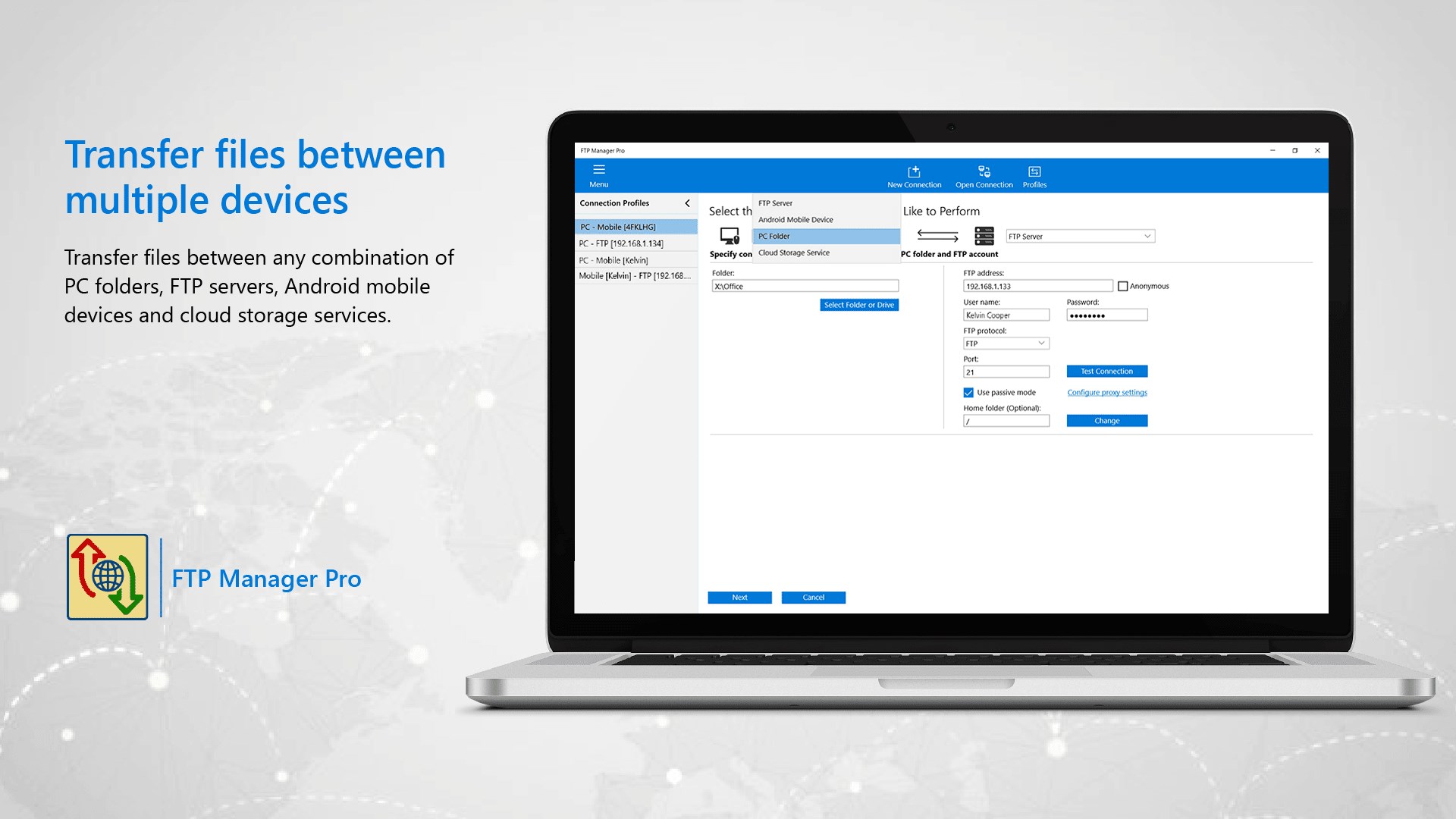
Managing files across local drives, remote servers, and various cloud platforms often leads to a cluttered workspace and fragmented workflows. FTP Manager Pro secure file transfer software addresses this exact problem by providing a centralized, high-performance control center for all your data migration needs. Developed by DeskShare for Windows, this utility simplifies the process of moving directories between PCs, mobile devices, and secure servers without requiring complex configurations.
Key Capabilities of FTP Manager Pro secure file transfer
This application stands out in the IT tools category due to its robust feature set designed for both casual power users and system administrators. Here are the core functionalities that define the experience:
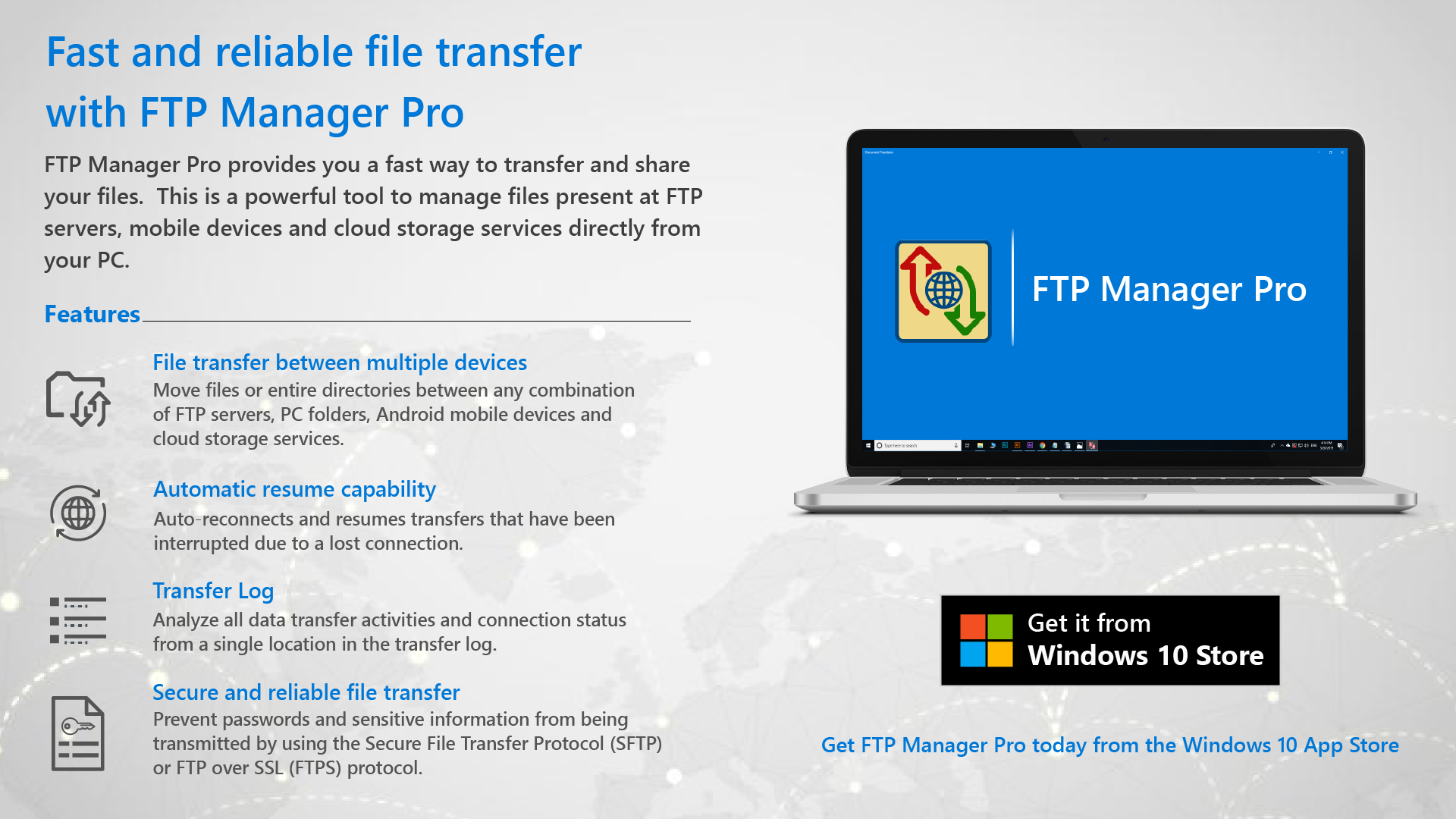
- Multi-Device Connectivity: Seamlessly move individual files or complex directory structures between FTP servers, local PC folders, Android mobile devices, and popular cloud storage services like Google Drive, OneDrive, and Dropbox.
- Secure Protocols: Protect sensitive data during transit. The application supports standard FTP alongside FTPS (FTP over SSL) using certificate-based authentication, and SFTP (SSH File Transfer Protocol) utilizing password or public key authentication.
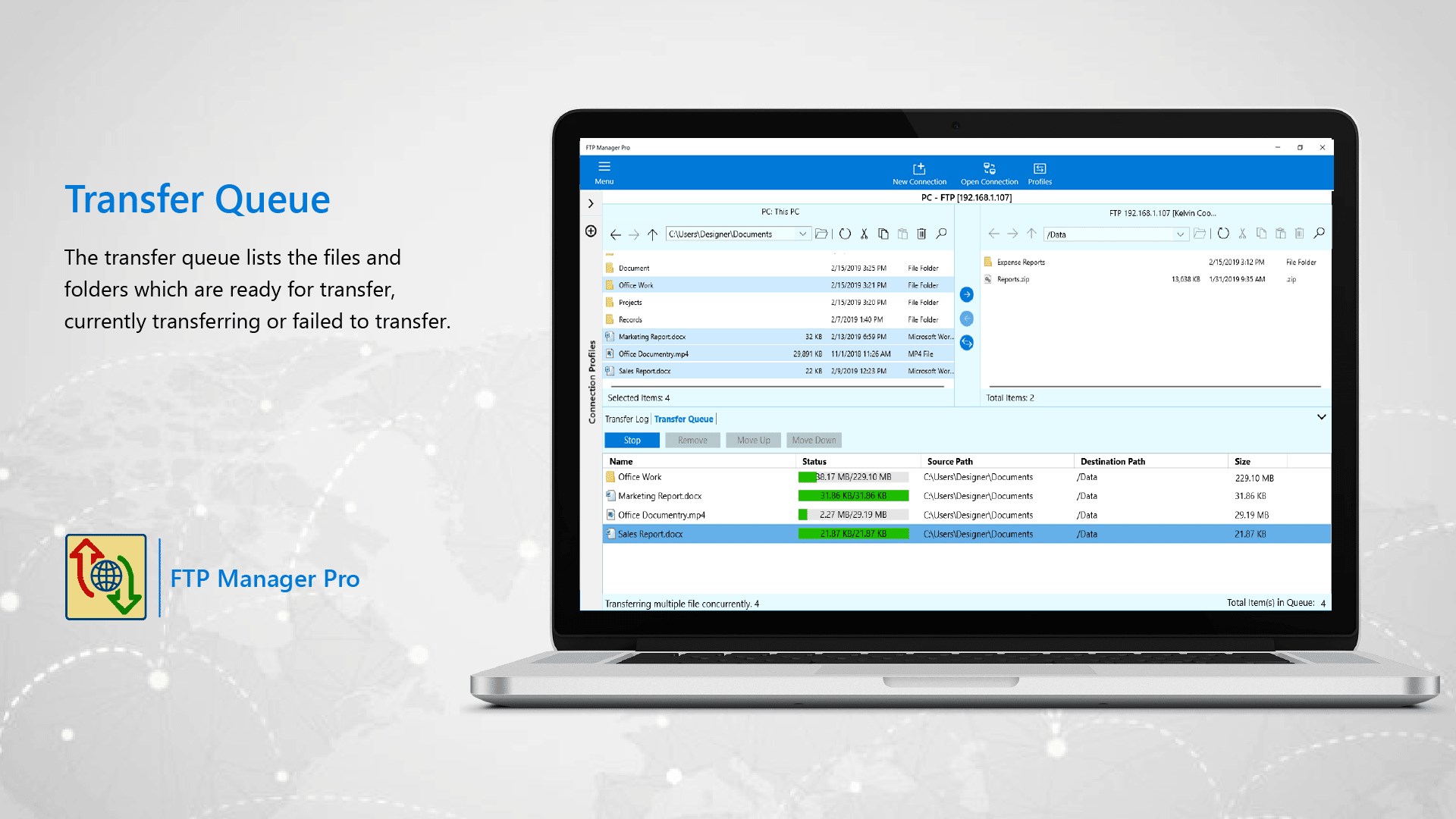
- Advanced Transfer Queue: Manage multiple active transfers simultaneously. The built-in queue lets you start, pause, or stop transfers, ensuring critical files are prioritized.
- Resilient Connections: Network glitches will not ruin long-running transfers. The automatic resume feature retries connections based on your custom interval and retry limits.
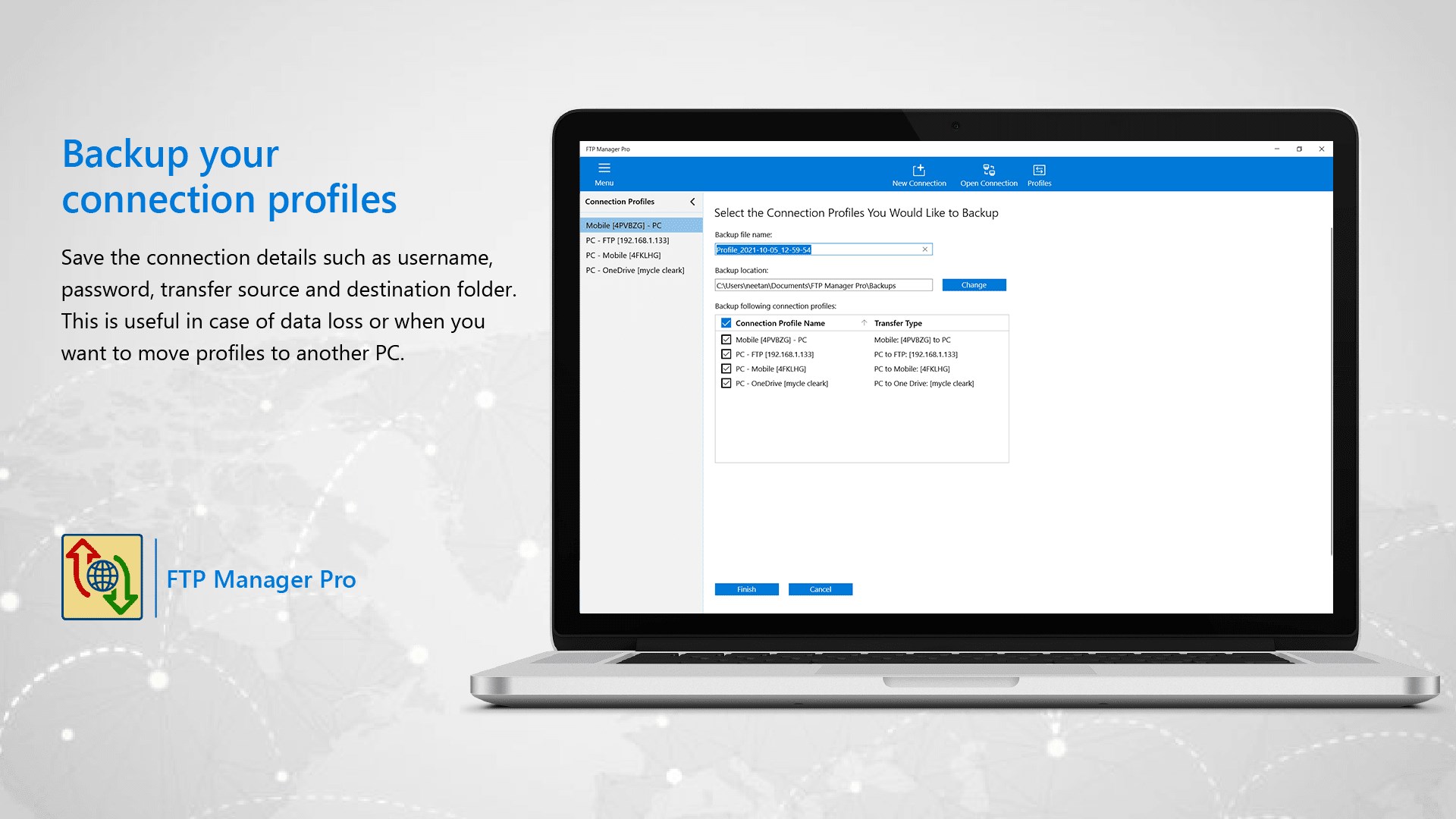
- Profile Backups: Easily export your connection configurations and restore them on a new Windows machine to save time during migrations.
Detailed Action Logging for Troubleshooting
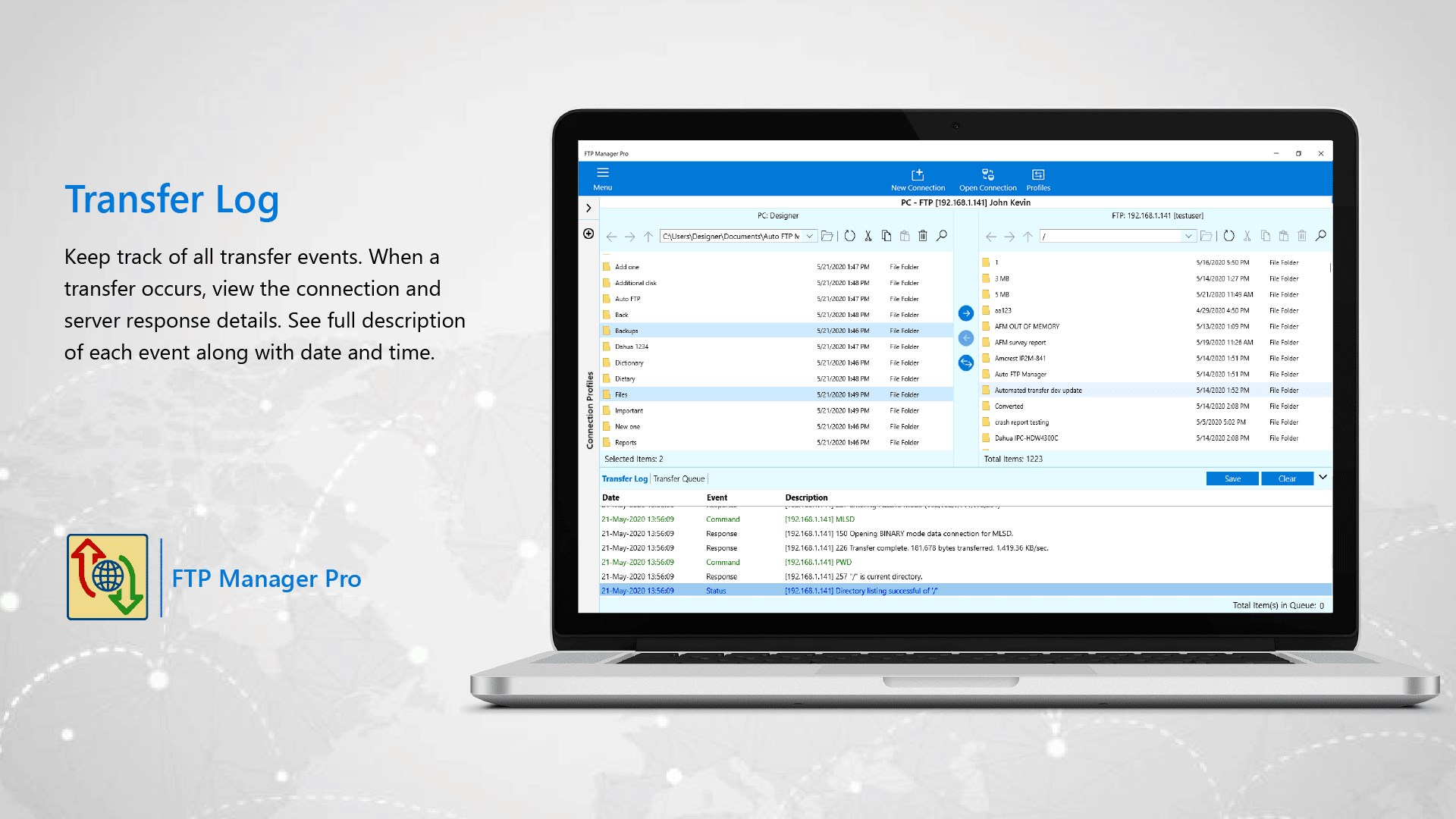
For IT professionals, visibility is crucial. The software maintains an exhaustive transfer log that tracks every command executed and the corresponding server response. If a connection drops or a transfer fails, the log provides precise event descriptions, timestamps, and error codes to help you pinpoint and resolve the issue quickly.
Trial vs. Subscription Features
The free trial version offers a solid starting point, letting you transfer files between your PC and FTP servers or local folders, manage unlimited connections, utilize auto-resume features, and backup profiles. To unlock advanced capabilities—such as transferring to Android devices, integration with cloud storage providers, and utilizing secure FTPS or SFTP protocols—flexible monthly or yearly subscription options are available directly within the application.
Is It Right For You?
If you are looking for a dependable, secure, and highly organized way to manage remote files on Windows, this tool delivers the necessary stability and security. To explore its capabilities firsthand, visit the official Microsoft Store page to view the latest trial details and subscription options.