
Speech Note
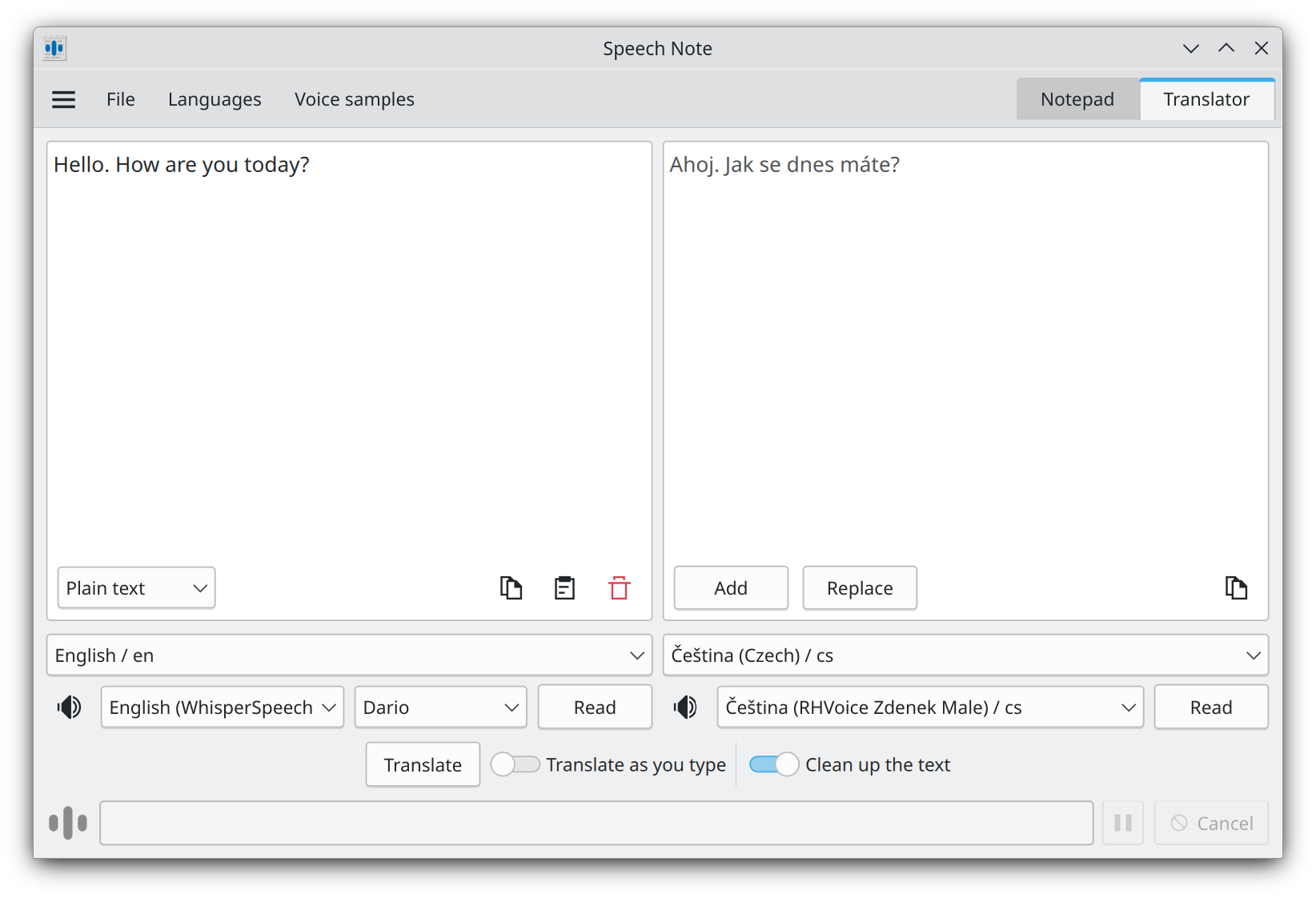
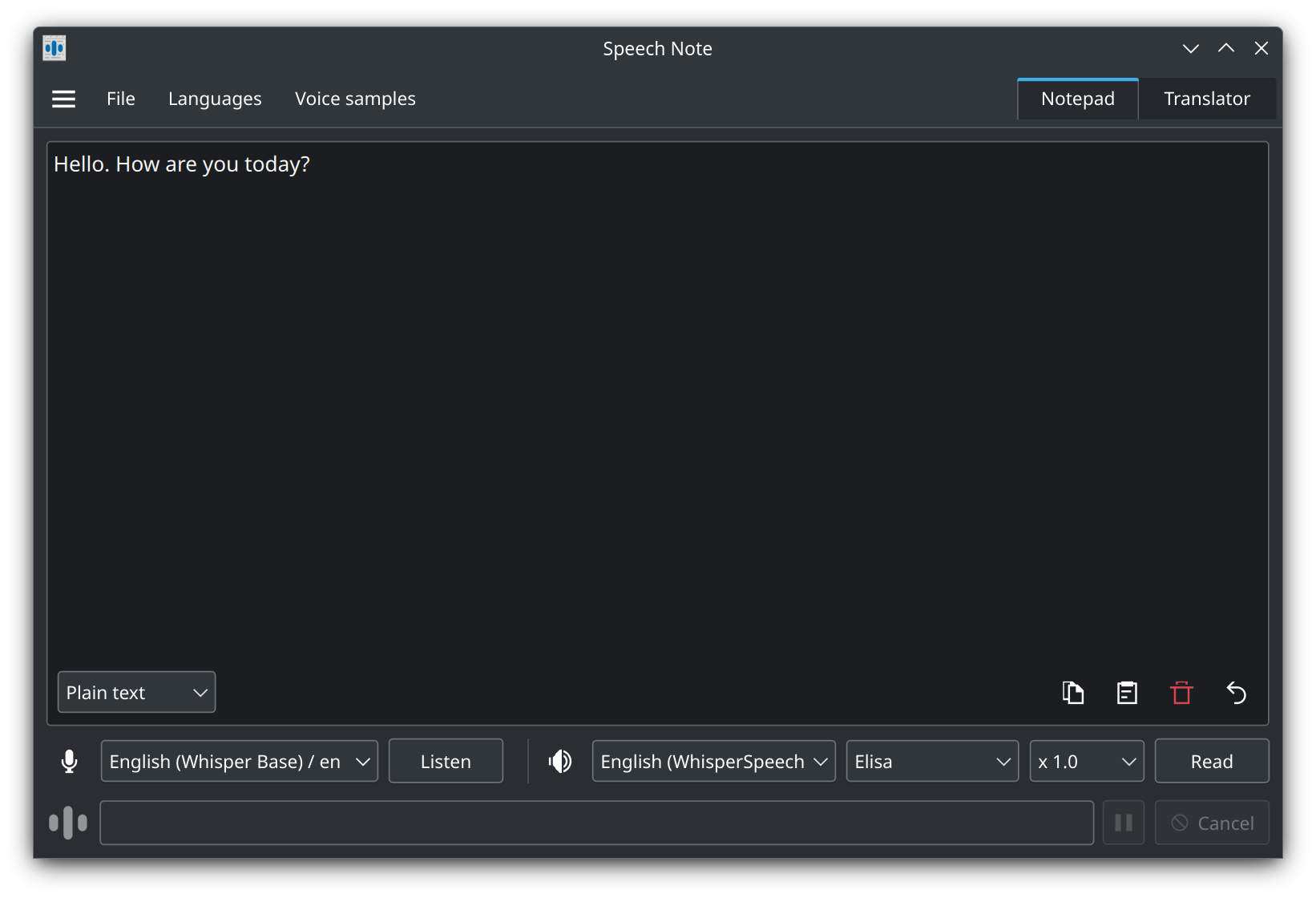
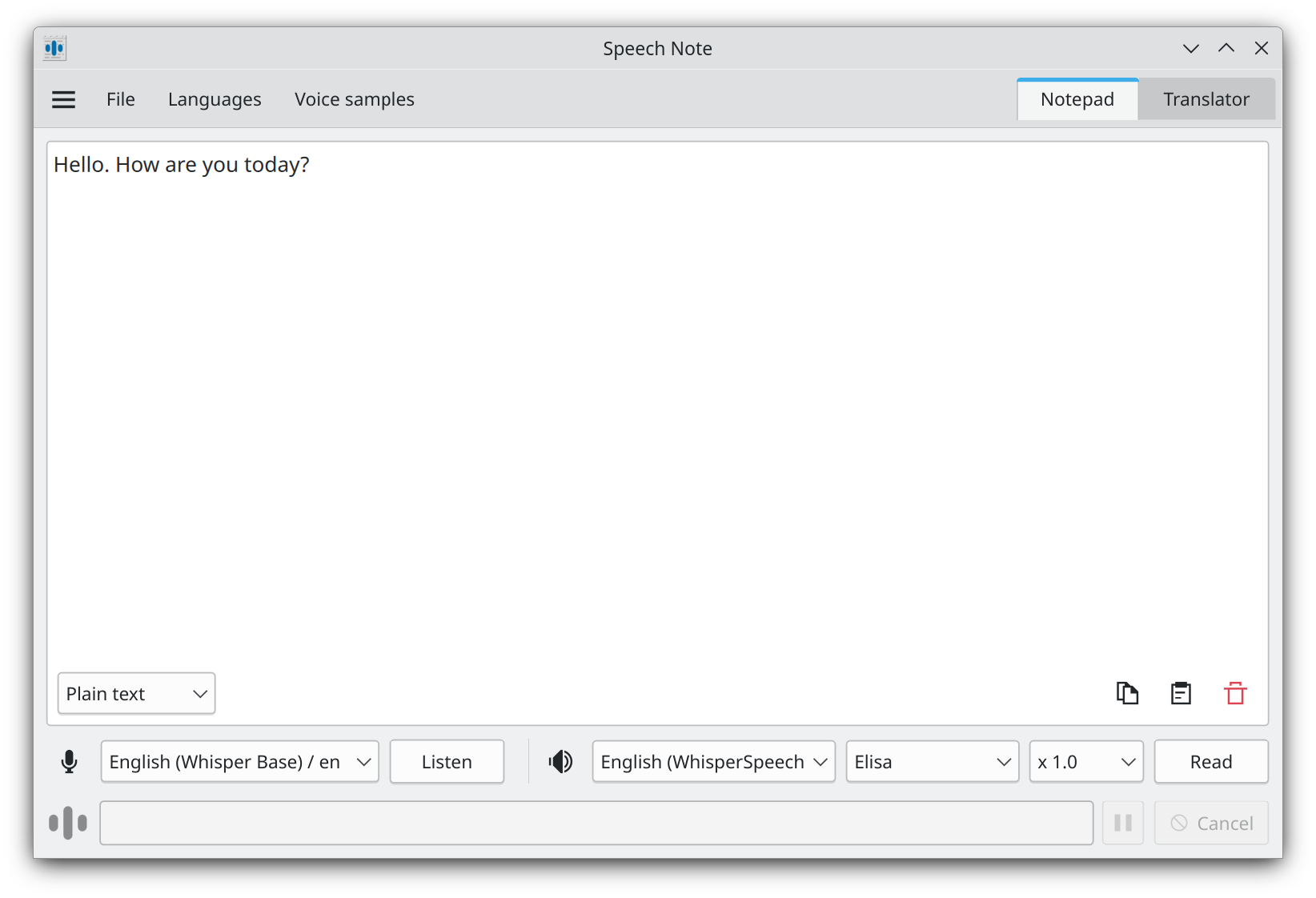
Discover Speech Note, the offline Linux tool for transcription, translation, and text-to-speech. Read our detailed review on how it keeps your data private.
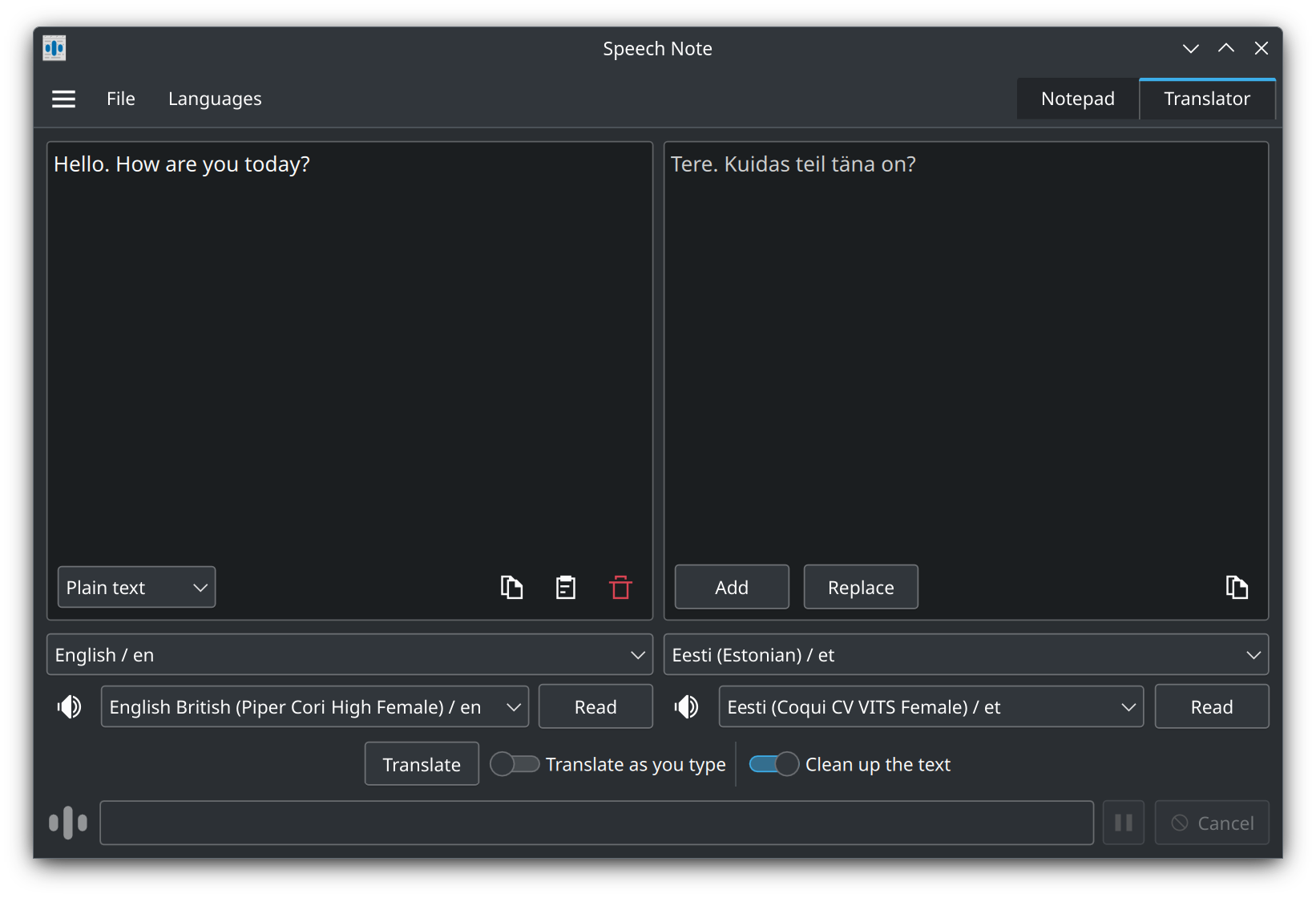
The Speech Note offline translation and transcription app is a powerful utility designed specifically for Linux users who need to process spoken and written language without relying on cloud services. Developed by Michal Kosciesza, this tool combines three essential language technologies into a single desktop interface: Speech to Text (STT), Text to Speech (TTS), and Machine Translation (MT). By keeping all operations local, it offers an exceptional level of privacy and reliability for professionals, researchers, and language learners alike.
How the Speech Note Offline Translation and Transcription App Works
Unlike standard dictation or translation tools that send your voice recordings and text documents to external servers, this software processes everything locally on your computer. When you speak into your microphone or paste a document, the application utilizes offline models to perform the requested task. This localized approach ensures that your sensitive data, personal notes, and confidential business transcriptions never leave your machine.
Key Features and Real-World Applications
- Multi-Language Speech to Text: Transcribe spoken words into highly accurate text across multiple supported languages. This is ideal for meeting minutes, lecture notes, or hands-free drafting.
- Natural Text to Speech: Have your documents, articles, or notes read back to you using local voice synthesis. This helps with proofreading, accessibility, and auditory learning.
- Local Machine Translation: Translate your written notes from one language to another instantly. Because the translation engines run entirely offline, you can translate sensitive documents without risking data leaks.
- Absolute Privacy: Zero network connection requirements for processing means no tracking, no subscription fees, and complete control over your intellectual property.
Who is Speech Note For?
This utility is particularly beneficial for Linux users working in fields with strict confidentiality requirements, such as legal, medical, or corporate environments. It is also an excellent resource for students and educators who need a reliable tool for language practice, as well as developers looking to integrate local language processing into their daily productivity workflows.
Getting Started with Speech Note
Because it operates entirely on your local hardware, performance will depend on your system's processing capabilities. However, the convenience of having secure, offline access to transcription and translation tools makes it a standout choice in the productivity category. If you are ready to experience secure, local voice and text processing on your Linux system, you can learn more and find installation instructions directly on the official Speech Note Flathub page.