
MakeMKV
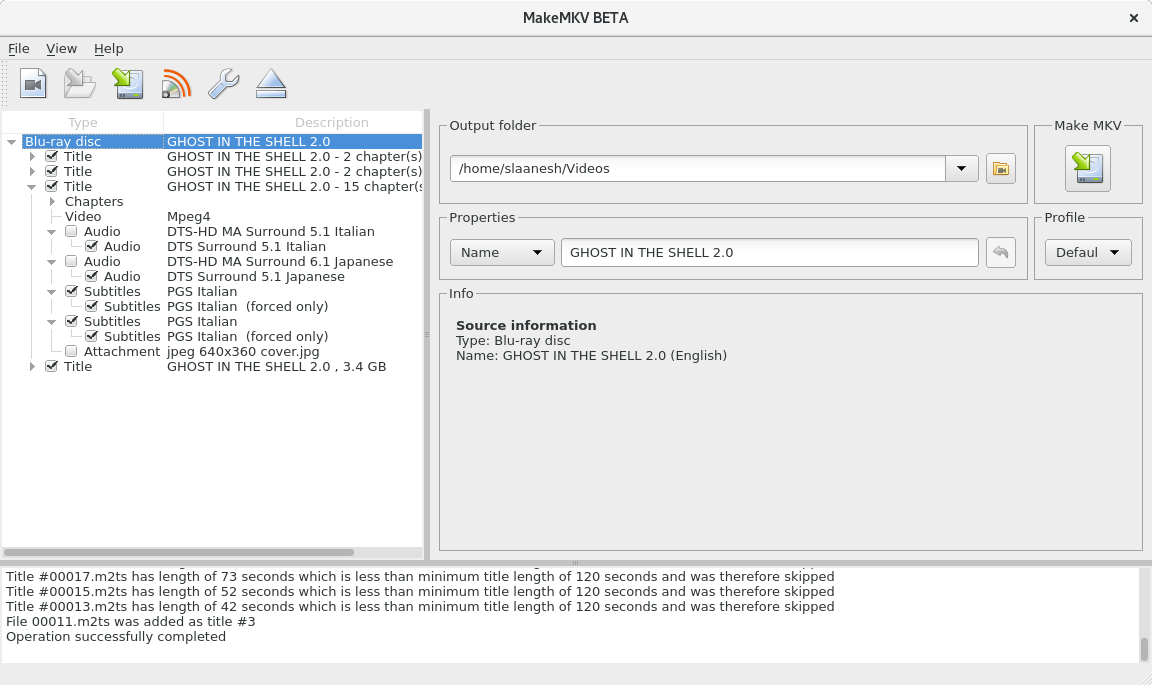
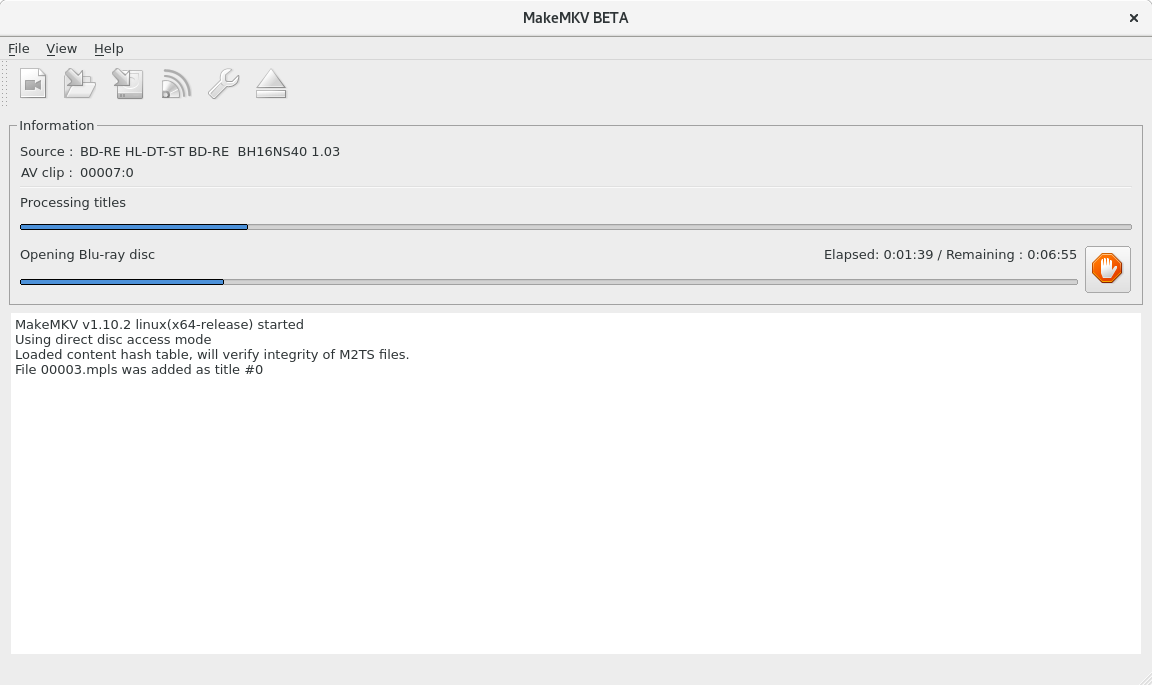
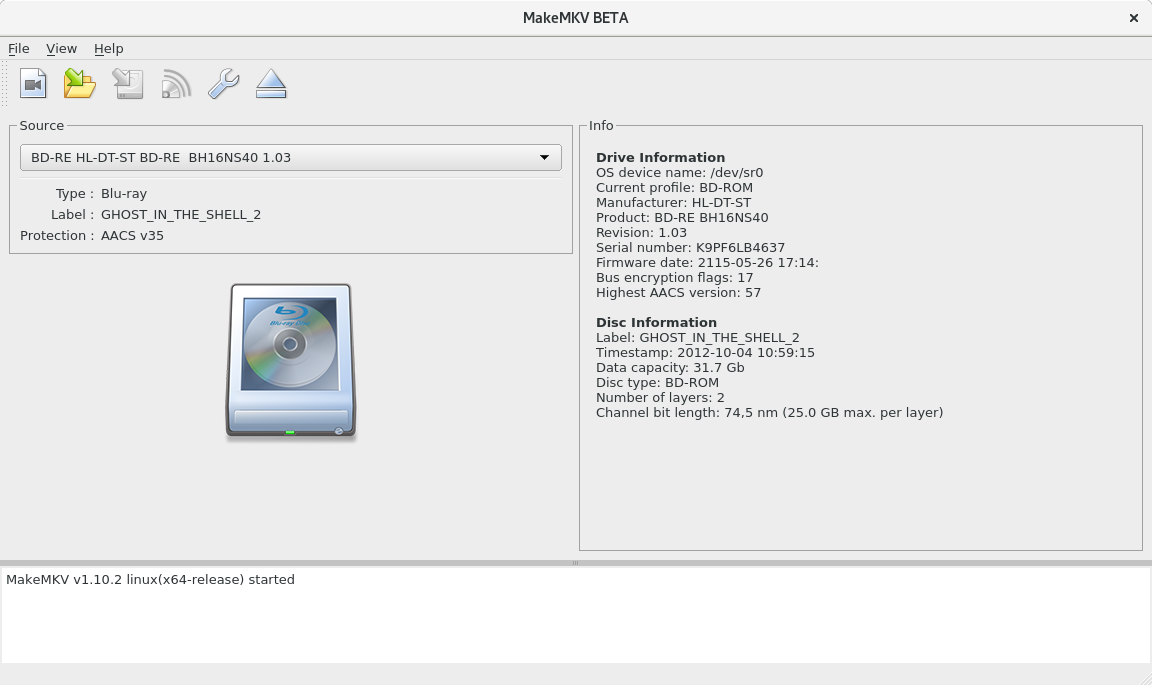
Read our comprehensive review of MakeMKV, the premier tool for converting DVDs and Blu-rays into high-quality MKV files on Linux. Discover its features today.
Picture this: you have a massive shelf of physical Blu-rays and DVDs, but your modern home theater setup relies entirely on digital streaming. Digging out a physical disc every time you want to watch a movie feels outdated, and you risk scratching your valuable collection. This is where the MakeMKV DVD and Blu-ray converter steps in as the ultimate bridge between your physical library and your digital media player.
What is the MakeMKV DVD and Blu-ray Converter?
MakeMKV is a highly efficient, one-click solution designed to convert the video discs you own into a free, patent-unencumbered format that can be played on virtually any modern device. Operating as a transcoder, the software reads proprietary and encrypted discs, translating the video clips directly into a standardized set of MKV files. Crucially, this process preserves all original information—including multiple video and audio tracks, chapters, and meta-information—without altering or compressing the underlying data streams.
Key Features of MakeMKV
- Lossless Conversion: It retains all original video, audio tracks (including HD audio), and chapter markers without any quality degradation.
- On-the-Fly Decryption: Readily processes DVDs and Blu-rays without requiring external decryption software.
- Instant Network Streaming: Stream decrypted video directly to your favorite media players on your local network without waiting for a full conversion.
- Cross-Platform Legacy: This community-packaged Linux version brings robust disc-processing power to open-source environments.
Who is this Tool For?
If you are a media enthusiast who values original, uncompressed video quality and wants to build a local digital archive, the MakeMKV DVD and Blu-ray converter is tailored for you. It is particularly valuable for Linux users seeking a straightforward, reliable tool to manage their physical media library without dealing with complex command-line utilities or proprietary hurdles.
Important Considerations
Please note that this specific release is a community-supported package of MakeMKV built for Linux systems, and is not officially maintained by GuinpinSoft inc. Additionally, users are required to accept the terms of the End User License Agreement before utilizing the software to process their personal media collections.
Explore the Software
Ready to streamline your physical media library? While we do not host or distribute the software files here, you can read more, review user guidelines, and access the official package directly on the Flathub app store page.